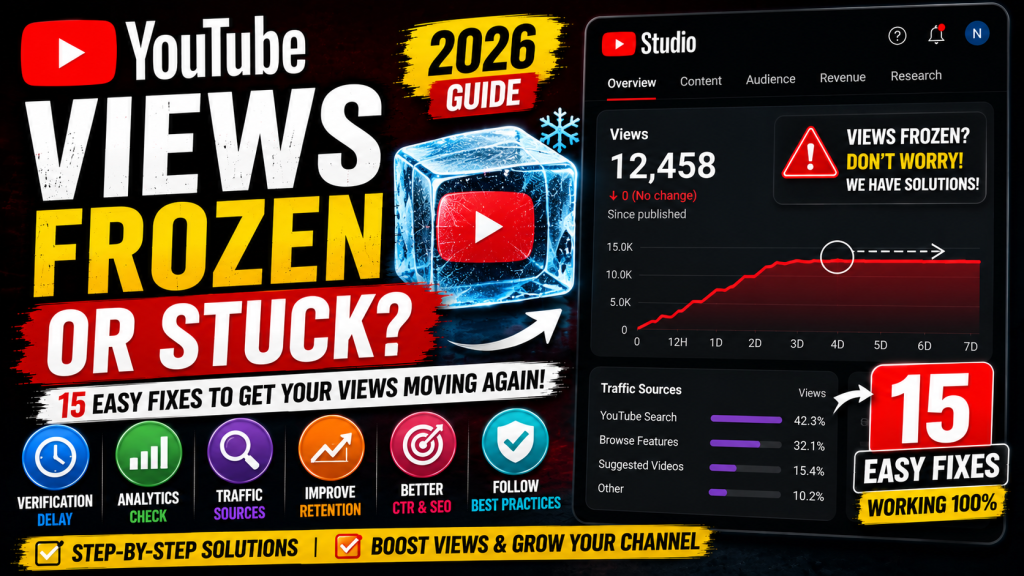
Have your YouTube views suddenly stopped increasing? Does your video appear stuck at the same view count for hours—or even days? If so, don’t panic. This is a common issue that affects both new and established creators.
In many cases, frozen view counts are temporary and occur because YouTube is verifying views, processing analytics, or filtering invalid traffic. However, there are also situations where optimization or technical issues can limit your video’s reach.
This guide explains why YouTube views may appear frozen and shares 15 practical fixes to help you understand what’s happening and what you can do next.
Why Are My YouTube Views Frozen?
YouTube doesn’t always update view counts in real time. Before adding views permanently, the platform checks whether they are genuine and comply with its policies.
Common reasons include:
- View verification
- Analytics processing delays
- Invalid traffic filtering
- Recently published videos
- Temporary YouTube server issues
- Low audience engagement
- Limited impressions
- Technical glitches
Fix 1: Wait for YouTube to Verify Views
One of the most common reasons is view verification.
YouTube reviews traffic to ensure that views are legitimate before updating the public count.
In many cases, this process finishes automatically.
Fix 2: Refresh YouTube Studio Analytics
Open:
YouTube Studio → Analytics
Compare:
- Views
- Impressions
- Watch Time
- Audience Retention
Sometimes Analytics updates before the public view counter.
Fix 3: Avoid Refreshing Your Own Video Repeatedly
Constantly refreshing your own video doesn’t create valid views.
Repeated self-refreshes may not be counted and can trigger additional verification.
Fix 4: Check Traffic Sources
Open:
Analytics → Reach → Traffic Sources
Review where your viewers are coming from.
Healthy sources include:
- YouTube Search
- Browse Features
- Suggested Videos
- Playlists
- External websites
Unexpected traffic spikes may take longer to verify.
Fix 5: Don’t Buy Views
Purchased or artificial views may be filtered out by YouTube.
Avoid:
- Fake view services
- Click exchanges
- Bot traffic
- Automated traffic generators
Organic growth is always the safest strategy.
Fix 6: Improve Your Thumbnail
If impressions remain high but views stop increasing, your click-through rate (CTR) may be low.
Use thumbnails that are:
- Clear
- High contrast
- Easy to read
- Relevant to the content
Fix 7: Optimize Your Video Title
A strong title helps attract more clicks.
Include:
- Main keyword
- Clear benefit
- Natural wording
Avoid misleading clickbait.
Fix 8: Increase Audience Retention
Videos with better retention are more likely to receive additional recommendations.
Improve retention by:
- Starting with a strong hook.
- Removing unnecessary introductions.
- Delivering value early.
- Keeping the pacing engaging.
Fix 9: Check for Community Guidelines or Copyright Issues
Review YouTube Studio for:
- Community Guidelines warnings
- Copyright Claims
- Copyright Strikes
These issues may affect how your content is distributed or monetized.
Fix 10: Give New Videos Time
Many videos don’t gain momentum immediately.
Some videos begin receiving significant traffic days or even weeks after publication.
Patience is often part of the process.
Fix 11: Monitor YouTube Studio Status
Occasionally, YouTube experiences temporary delays in processing analytics or displaying view counts.
If many creators are reporting similar behavior, it may be a platform-wide issue.
Fix 12: Share Your Video Naturally
Promote your video through genuine channels such as:
- Your website
- Social media
- Email newsletters
- Relevant communities (where appropriate)
Avoid spammy promotion methods.
Fix 13: Continue Uploading Consistently
Publishing regularly helps YouTube understand your audience and can improve long-term channel performance.
Fix 14: Review Audience Retention and CTR Together
If both metrics are low, YouTube may recommend your video less frequently.
Improving these metrics can increase future visibility.
Fix 15: Be Patient
Not every video performs immediately.
Some of the most successful YouTube videos gained traction long after they were published.
Continue improving your content and let YouTube gather enough performance data.
Common Myths
Myth: My channel is shadow banned.
Fact: A frozen view count doesn’t automatically mean your channel is shadow banned.
Myth: Deleting and re-uploading the video always helps.
Fact: Re-uploading can reset performance history and isn’t always the best solution.
Myth: Refreshing the page increases views.
Fact: Refreshing does not create valid views.
Myth: Every view updates instantly.
Fact: YouTube verifies many views before displaying them publicly.
Tips to Increase Views
- Create better thumbnails.
- Write searchable titles.
- Improve audience retention.
- Publish consistently.
- Build playlists.
- Focus on one niche.
- Encourage viewers to watch more videos.
- Study your analytics regularly.
Frequently Asked Questions
Why are my YouTube views stuck?
This is often caused by view verification, analytics delays, or YouTube filtering invalid traffic.
How long does YouTube take to update views?
Many videos update within hours, but some may take longer depending on verification and processing.
Can invalid traffic freeze views?
Yes. YouTube may delay or filter views that don’t meet its quality standards.
Should I delete and upload the video again?
Usually no. Unless there is a major issue with the video itself, it’s generally better to allow YouTube to finish processing and evaluating its performance.
Final Thoughts
A frozen YouTube view count is usually temporary and often related to YouTube’s verification process rather than a problem with your channel. Instead of chasing quick fixes, focus on publishing valuable content, improving thumbnails and titles, and encouraging viewers to watch for longer.
Over time, consistent quality and organic audience growth are the most effective ways to increase views and build a successful YouTube channel.



Leave a Reply